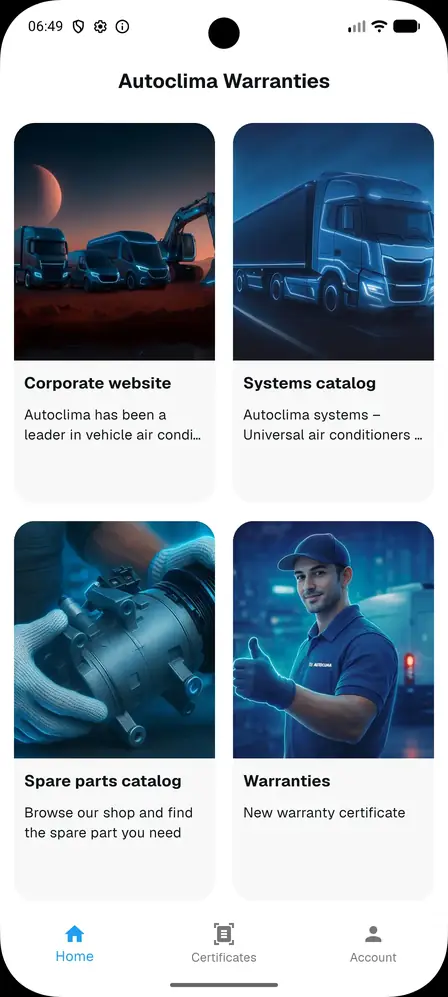
Registration and account creation
This section shows the account creation flow in the Autoclima Warranties app. Screenshots are indicative and may vary slightly depending on the installed version.
Before you start
Keep your email address, chosen password, company data, VAT number and operating areas ready.
Main account
Main account
The main account is created from the application login screen. It is required to register the company and enable the main functions.
Registration and first login
Create credentials
- Open the installed application.
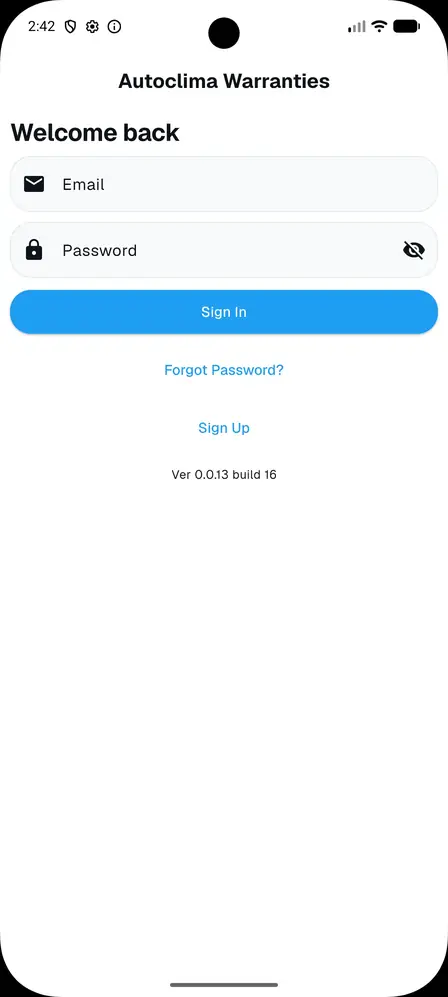
- From the login screen select Sign Up.
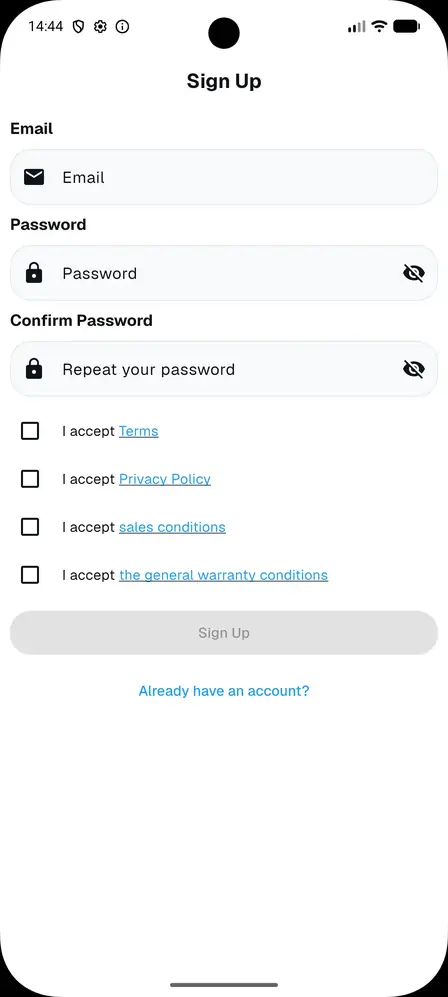
- Enter a personal / company email.
- Enter the password.
- Confirm the password.
- Accept the terms.
- Accept the privacy policy.
- Accept the sales conditions.
- Accept the general warranty conditions.
- Press the central Sign Up button.
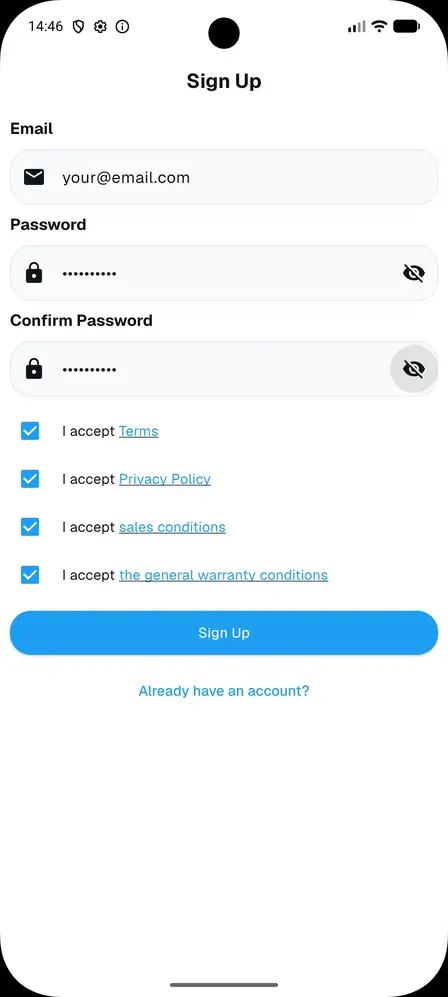
Email confirmation and profile completion
A confirmation email with a verification code is sent to the address provided.
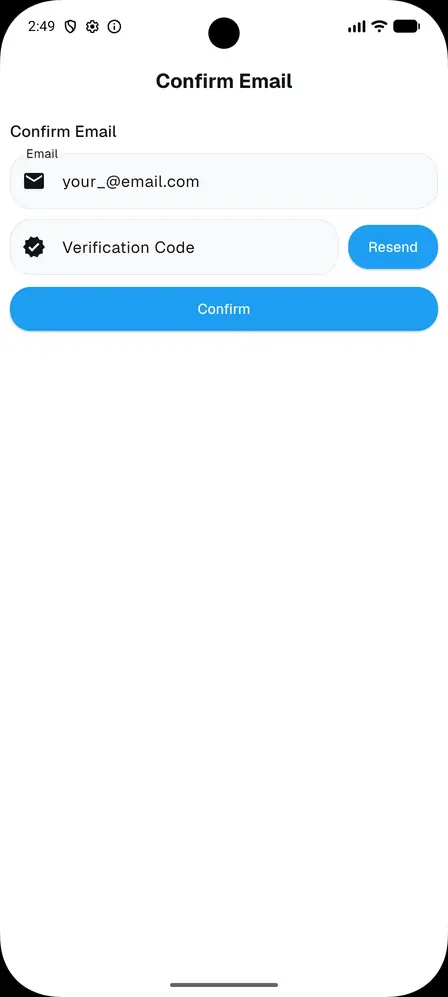
Enter the confirmation code received by email.
Press the confirm button.
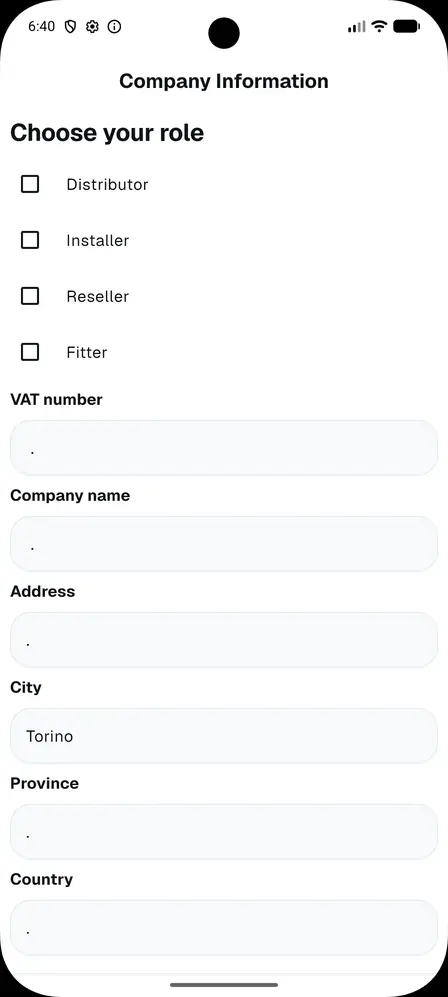
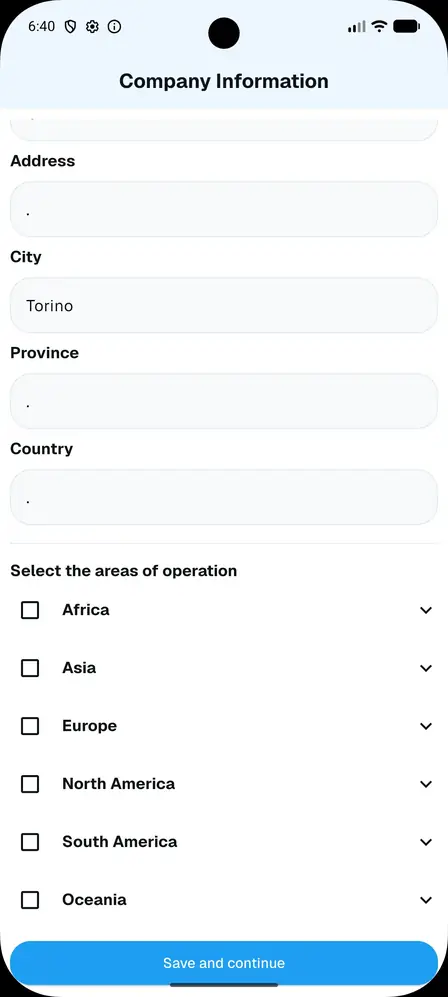
Complete the personal / company profile. Mandatory fields left empty are highlighted in red.
Choose your role, including multiple selection.
Enter VAT number, company name and address.
Fill in city, province and country.
Select the operating areas, including multiple selection.
When the data is complete you are taken to the main dashboard of the application.