

Create an installation certificate
Creating a warranty replaces filling in the paper form. The app guides the user through collecting vehicle, system, installed product and installation date data, then generates a digital certificate that can be viewed and shared.
Before you start
Prepare license plate, chassis number, compressor model, vehicle brand and model, installer data, customer data, A/C system code, kilometres or hours, address and serials of the installed products.
Certificate registration procedure
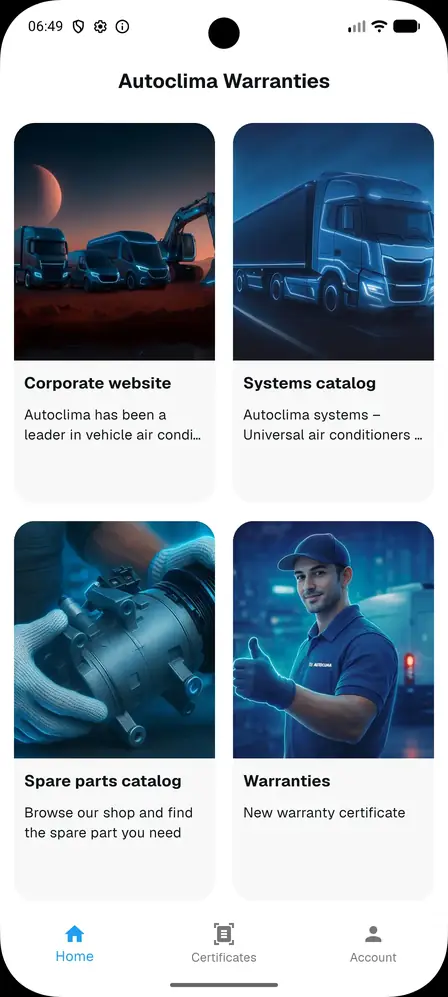
- From the bottom bar select Certificates.
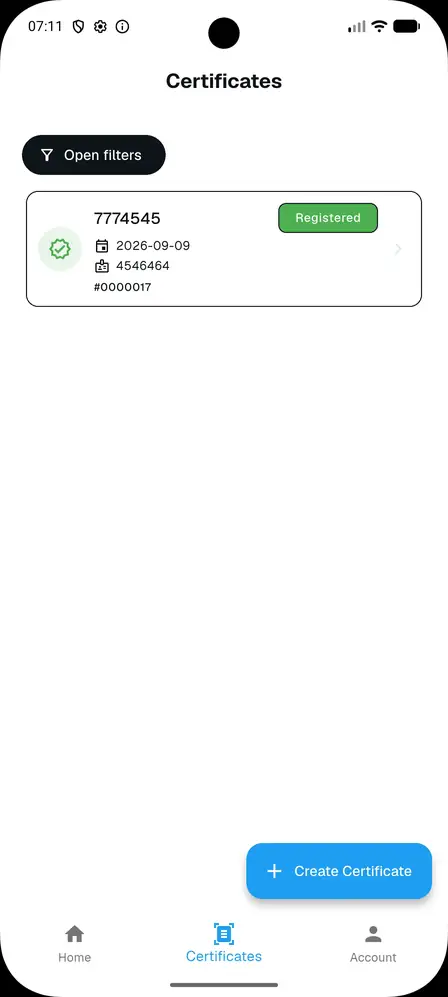
- If no certificates are present, the screen shows the empty state and the Create Certificate button.
- Press Create Certificate.
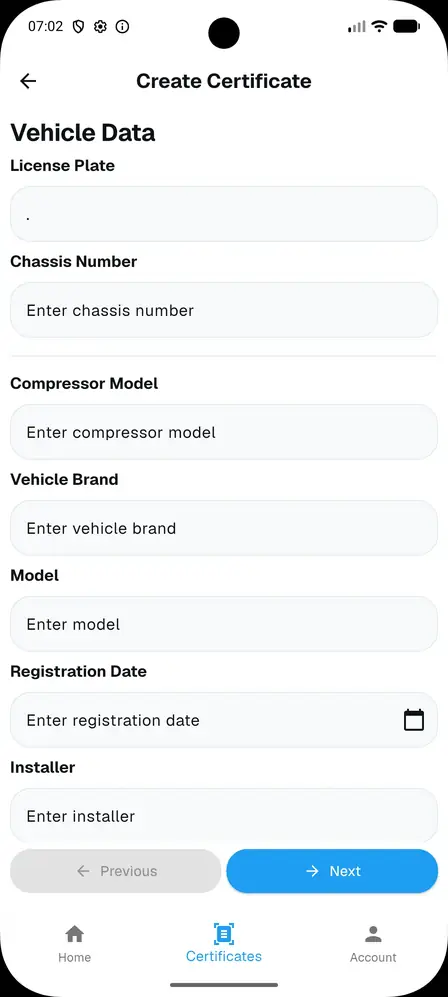
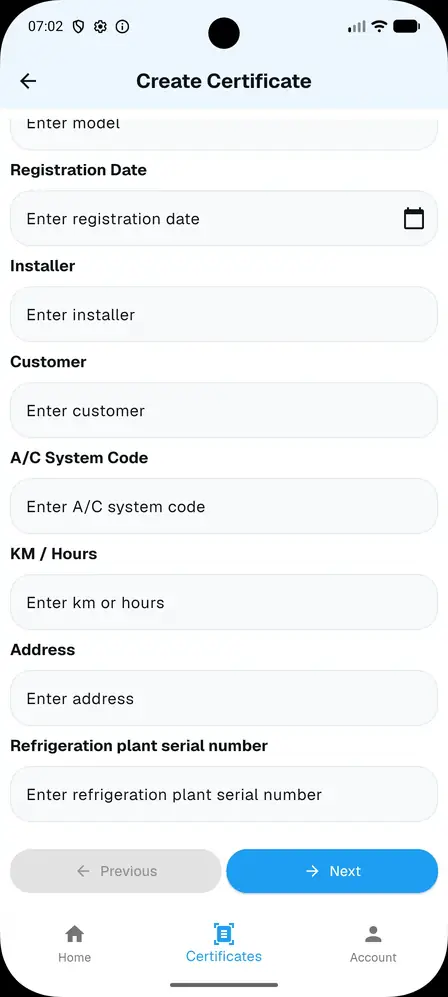
- Enter the data of the vehicle on which Autoclima components are installed. At least license plate or chassis must be filled in.
- Complete the installation data: installer, customer, A/C system code, km or operating hours, address and refrigeration plant serial number.
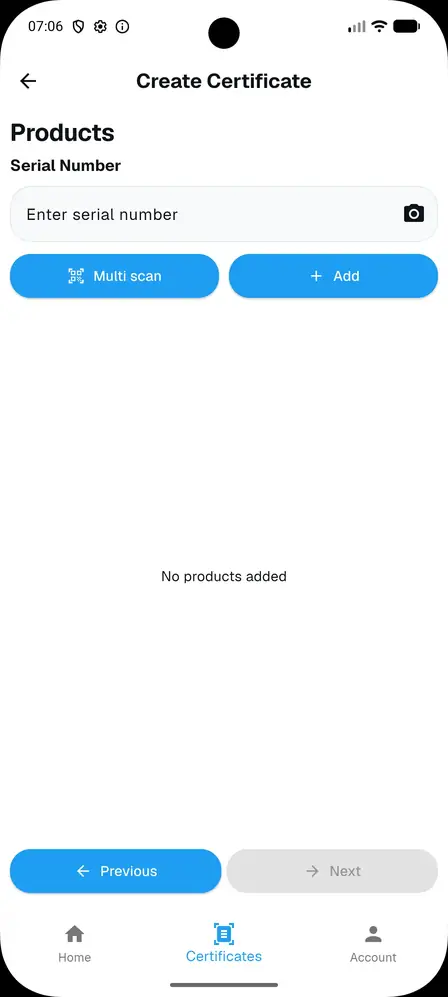
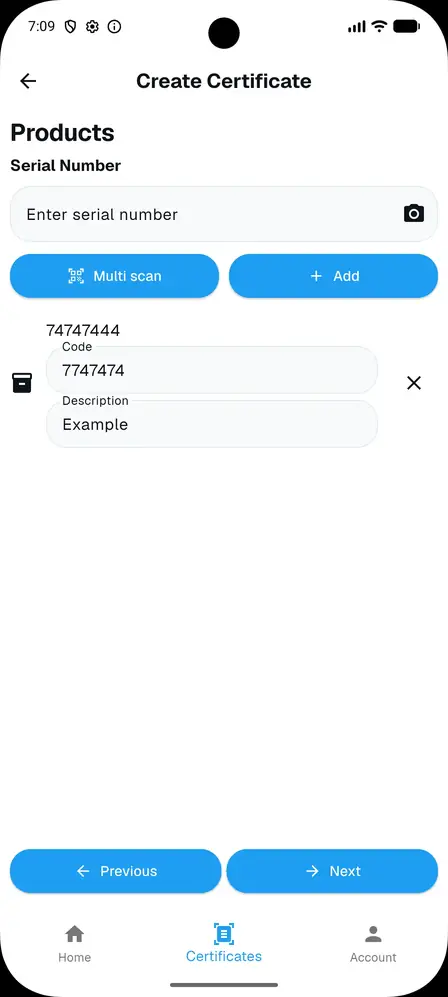
- Associate products by entering the serial number, using the camera or Multi scan to frame the labels on the components.
- Check the summary (vehicle, system, customer, products and installation date).
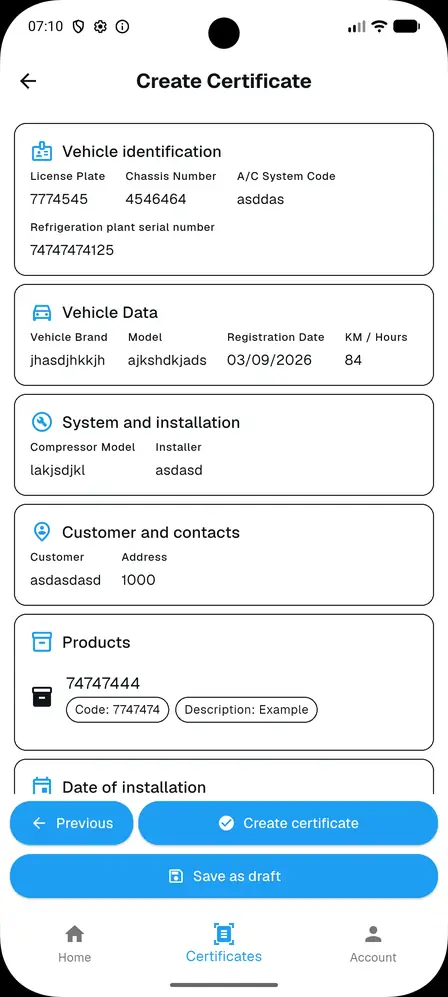
- Press Create certificate or Save as draft if the data is not yet complete.
Technical note
Mandatory data must be checked before saving. Incomplete compilation may prevent generation of the final PDF.