

Linked users
Linked Users lets you manage users linked to the same company. It is useful when several people need to work on warranties with personal credentials.
Create a linked user
- Open Account.
- Go to Linked Users.
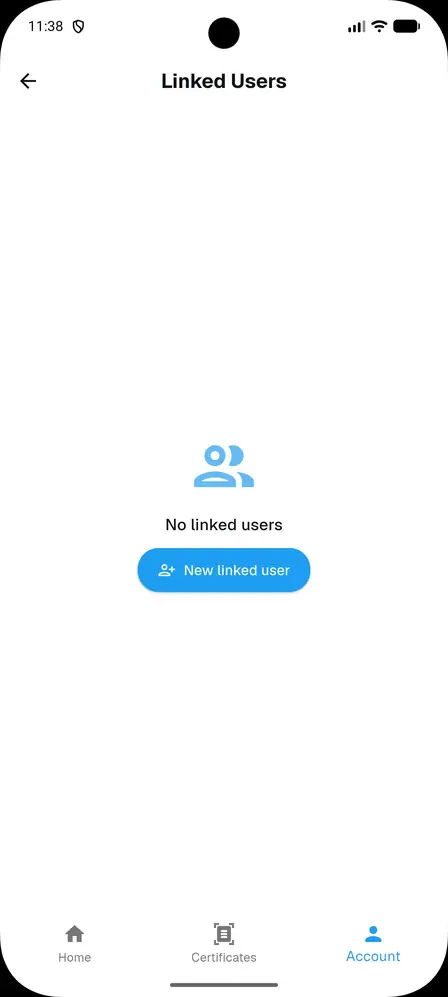
- Tap New linked user.
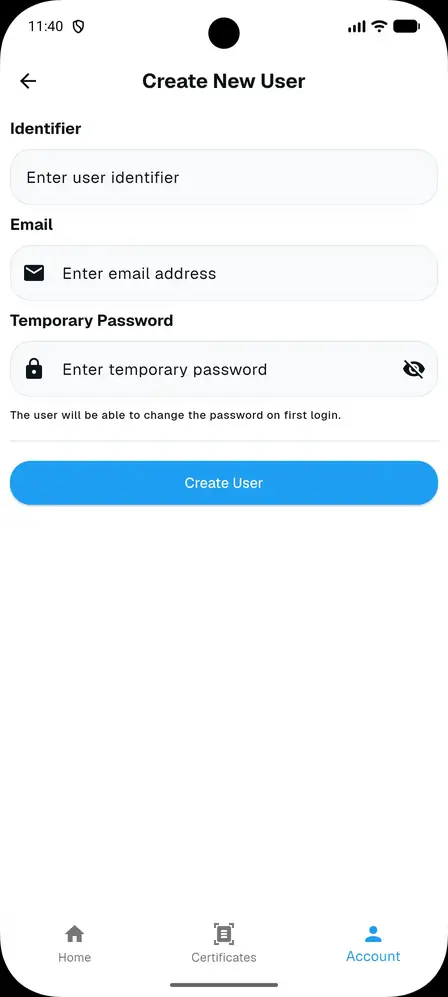
- Enter an identifier, email and temporary password.
- An invitation email is sent with the temporary password to use.
First login of the linked user
On first login the linked user must set a new personal password and accept the required terms. This step replaces the temporary password sent by email.
Operations
Clicking the linked user card displays the main information and the available actions:
- reset password
- deactivate
- delete
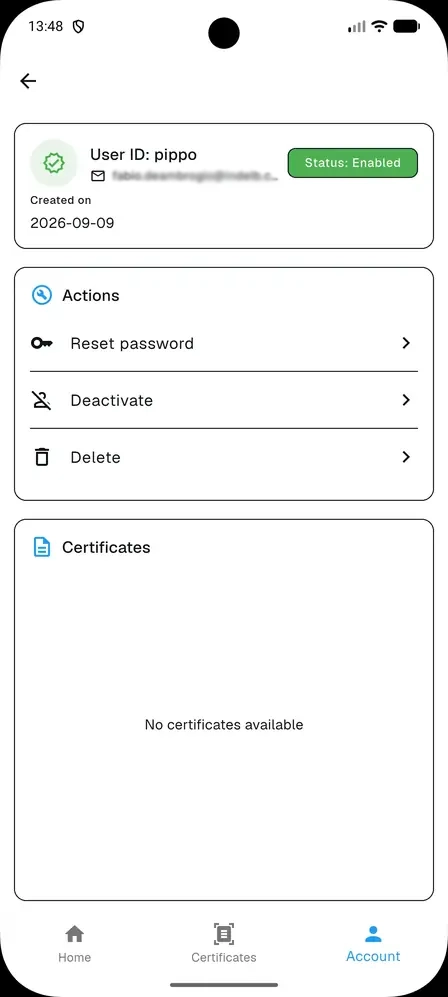
View warranties of the linked user
Warranties created by a linked user remain visible to the administrator in the linked user detail. This makes it possible to see who generated the certificate and the status of the record.